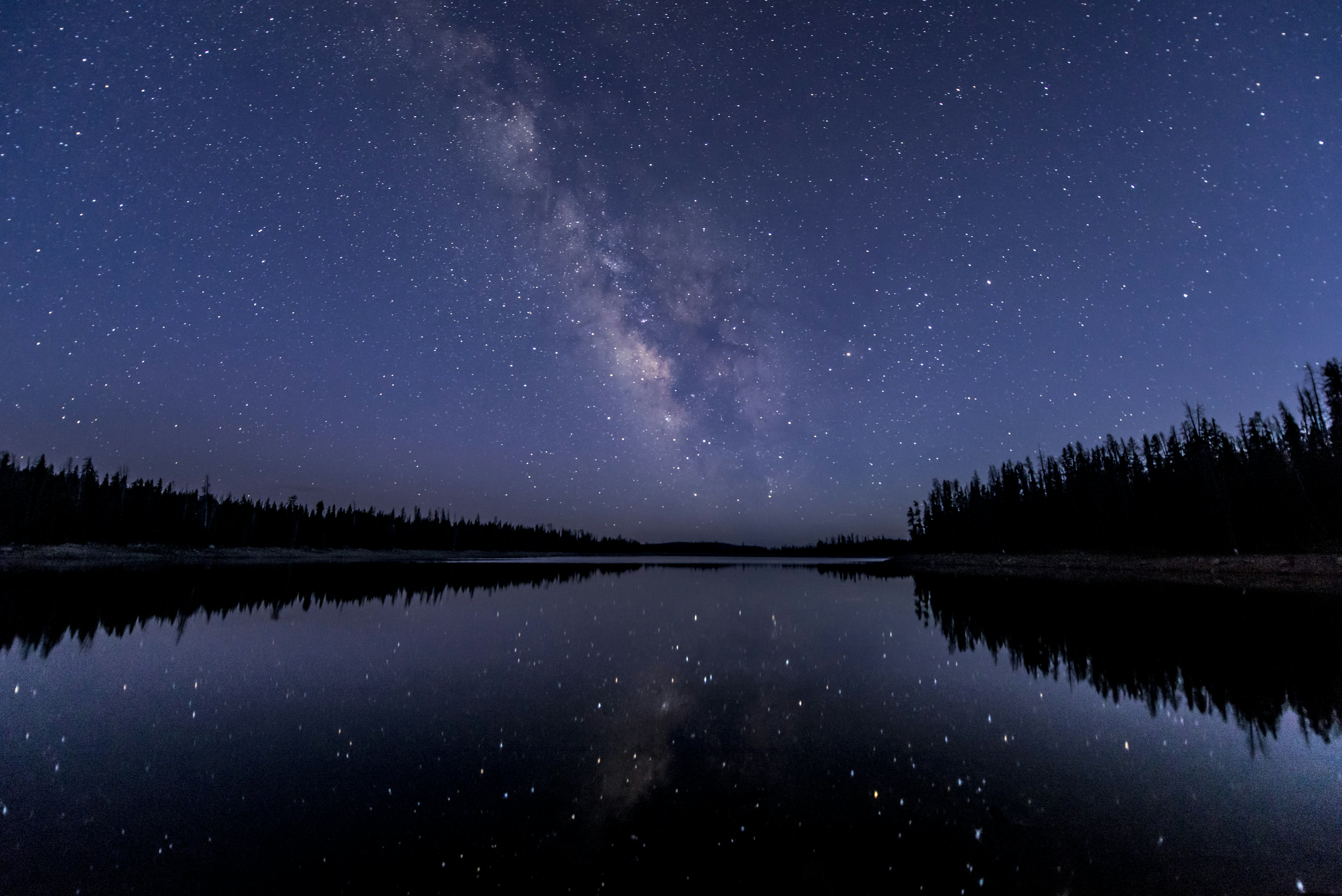
This guide covers Deep-Sky Astrophotography Workflow: From Capture to Processing: the main ideas, the evidence behind them, and open questions in practical astronomy.
This guide explains Deep-Sky Astrophotography Workflow: From Capture to Processing in clear language for curious readers. This article focuses on astrophotography. It is part of VortexCelest's practical astronomy section and summarizes established findings, how they are measured, and what remains uncertain.
Phase 1: Planning and Setup (Before Dark)
Phase 1: Planning and Setup (Before Dark) is an important part of understanding Deep-Sky Astrophotography Workflow: From Capture to Processing. Measurements in practical astronomy rely on calibrated instruments, published uncertainties, and peer review so results can be reproduced.
Measurements in practical astronomy rely on calibrated instruments, published uncertainties, and peer review so results can be reproduced.
When reading news about phase 1: planning and setup (before dark), look for the data source, the time span of the record, and whether multiple teams agree.
- Target Selection: Use planetarium software (e.g., Stellarium, NINA) to choose your deep-sky object, considering its visibility, phase of the moon, and light pollution levels.
- Equipment Check: Ensure all gear (telescope, mount, camera, guide scope, cables, power supplies) is charged, clean, and functioning.
- Site Selection: If traveling to a dark-sky site, arrive well before sunset to set up and polar align your mount.
- Polar Alignment: Crucial for accurate tracking on equatorial mounts. The more precise, the better your long-exposure results.
- Focusing: Achieve critical focus using a Bahtinov mask or electronic focuser.
Phase 2: Data Acquisition (During Observing Session)
Phase 2: Data Acquisition (During Observing Session) is an important part of understanding Deep-Sky Astrophotography Workflow: From Capture to Processing. Planetary rings are made of ice and rock in narrow bands maintained by resonances and shepherd moons.
Planetary rings are made of ice and rock in narrow bands maintained by resonances and shepherd moons.
Open questions remain where data are sparse or models disagree; future observations may narrow those gaps.
Lights (Image Frames)
- Capture multiple long-exposure images (e.g., 30-300 seconds) of your target.
- Use appropriate gain/ISO settings to maximize signal without blowing out highlights.
- Aim for hours of total integration time for faint objects.
Calibration Frames
These frames help remove noise and correct for sensor imperfections:
- Dark Frames: Same exposure, ISO, and temperature as lights, but with lens cap on. Remove thermal noise.
- Bias Frames: Shortest possible exposure, lens cap on, lowest ISO. Remove read noise.
- Flat Frames: Evenly illuminated frame (e.g., light box) with telescope focused. Correct for vignetting and dust motes.
Phase 3: Pre-processing and Stacking (Software Work)
Phase 3: Pre-processing and Stacking (Software Work) is an important part of understanding Deep-Sky Astrophotography Workflow: From Capture to Processing. Long-term monitoring and occasional dedicated missions together build the evidence base for phase 3: pre-processing and stacking (software work).
Long-term monitoring and occasional dedicated missions together build the evidence base for phase 3: pre-processing and stacking (software work).
Understanding phase 3: pre-processing and stacking (software work) helps place Deep-Sky Astrophotography Workflow: From Capture to Processing in context without overstating what current evidence proves.
Calibration and Stacking Software
- Calibrate: Apply darks, biases, and flats to your light frames.
- Align: Register images to correct for slight shifts between frames.
- Stack: Combine multiple calibrated and aligned light frames into a single, high-signal-to-noise image.
Phase 4: Post-processing (Image Editing)
Phase 4: Post-processing (Image Editing) is an important part of understanding Deep-Sky Astrophotography Workflow: From Capture to Processing. Measurements in practical astronomy rely on calibrated instruments, published uncertainties, and peer review so results can be reproduced.
Measurements in practical astronomy rely on calibrated instruments, published uncertainties, and peer review so results can be reproduced.
When reading news about phase 4: post-processing (image editing), look for the data source, the time span of the record, and whether multiple teams agree.
- Stretching: Bring out faint details from the dark background.
- Noise Reduction: Carefully reduce noise without sacrificing fine details.
- Color Calibration: Adjust colors to reflect natural appearance or desired aesthetic.
- Sharpening and Contrast: Enhance details and create depth.
- Star Reduction (Optional): Reduce the prominence of stars to emphasize the deep-sky object.
- Final Touches: Cropping, rotation, and export to desired format.
Astrophotography Workflow Checklist
- Plan target & conditions
- Polar align & focus
- Capture lights & calibration frames
- Calibrate, align, stack images
- Apply post-processing techniques
- Export final image
Keep exploring
Explore related guides on Deep-Sky Astrophotography Workflow: From Capture to Processing from the category hub, or browse the full topic list for more articles in the same field.